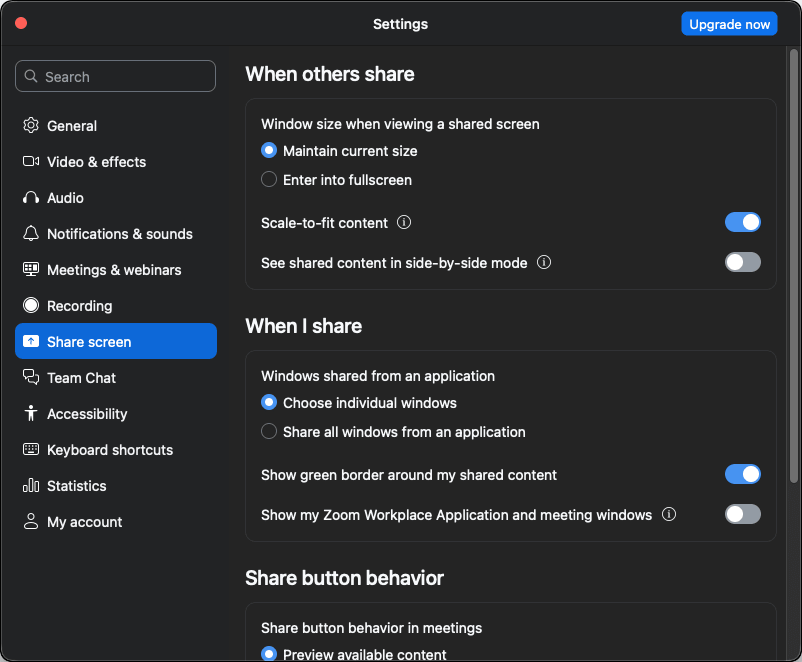
Zoom Workplace is one of the most popular video conferencing and virtual meeting apps available on the internet today. During the global shift to remote work, the demand for such apps skyrocketed, and Zoom benefited greatly by providing an app that was highly optimized and worked flawlessly. It is available on macOS and other major platforms, eliminating any compatibility issues.
Over the last few years, it has become a staple for businesses, educators, and individuals who need a reliable platform where they can coordinate their teams for remote work and organize virtual sessions.
Neat user interface and functionality
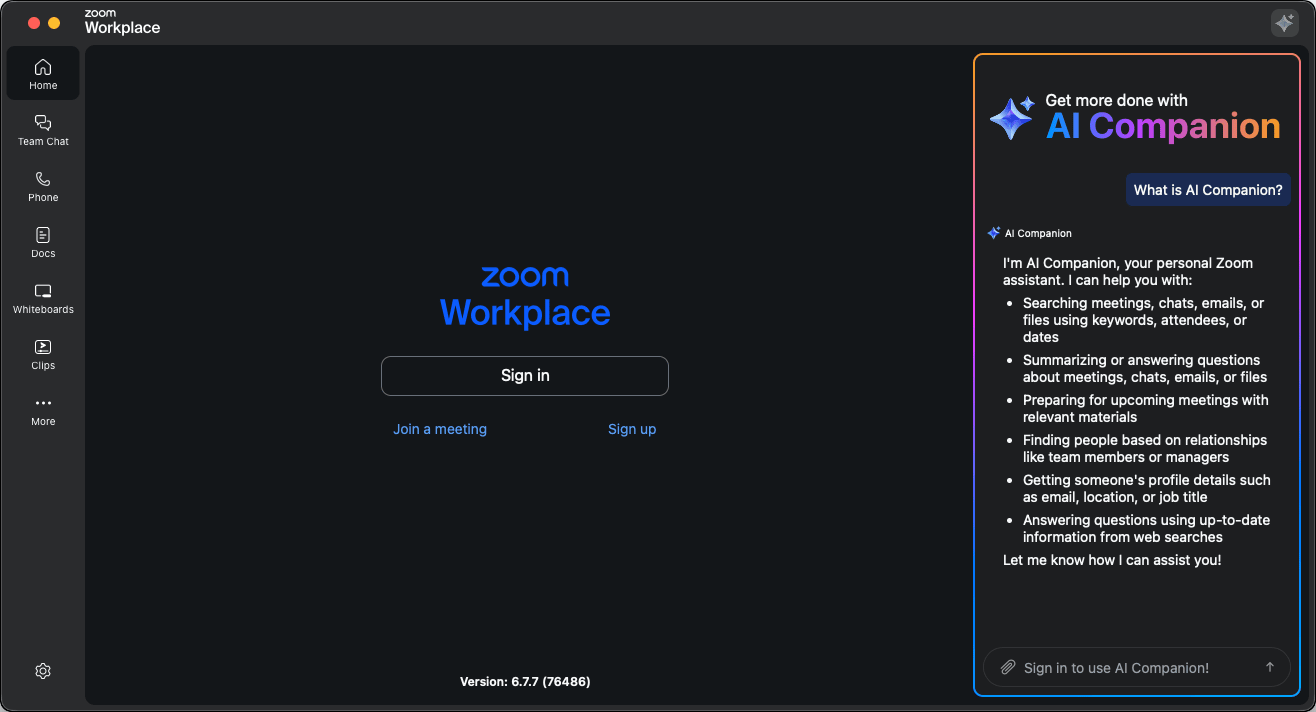
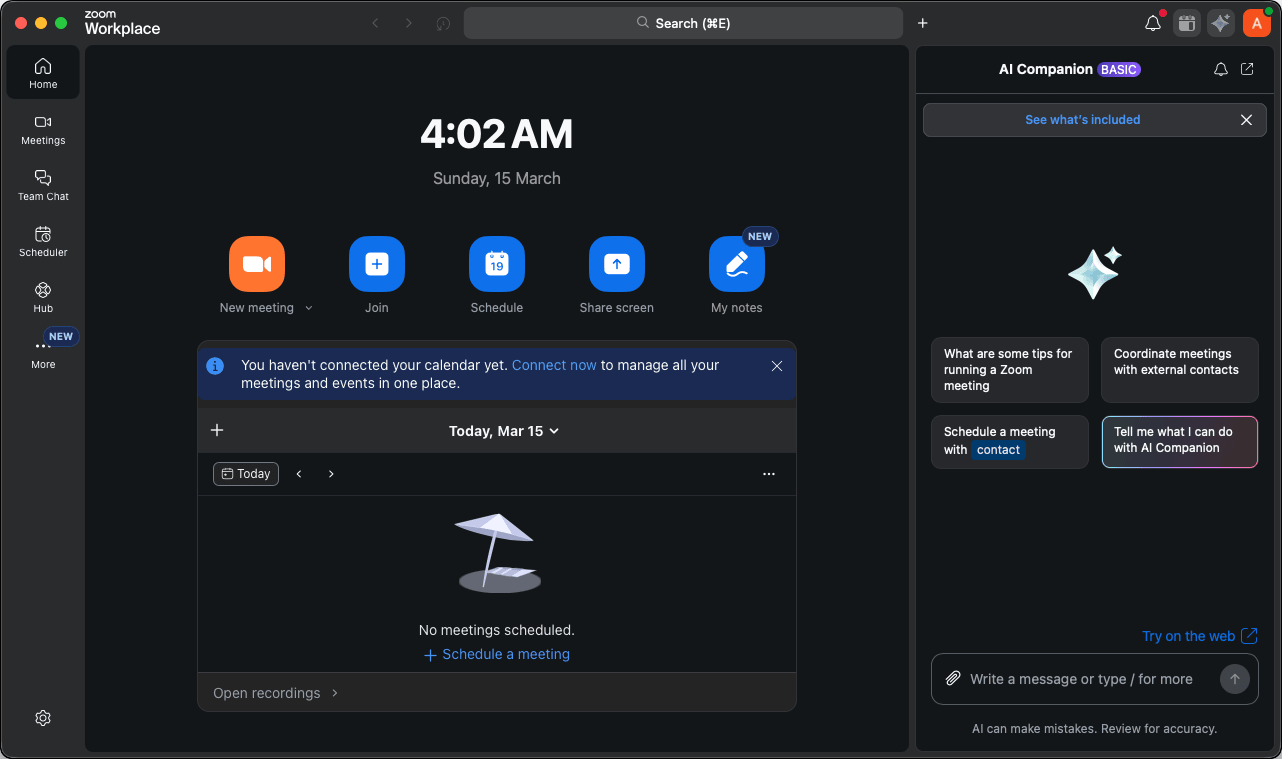
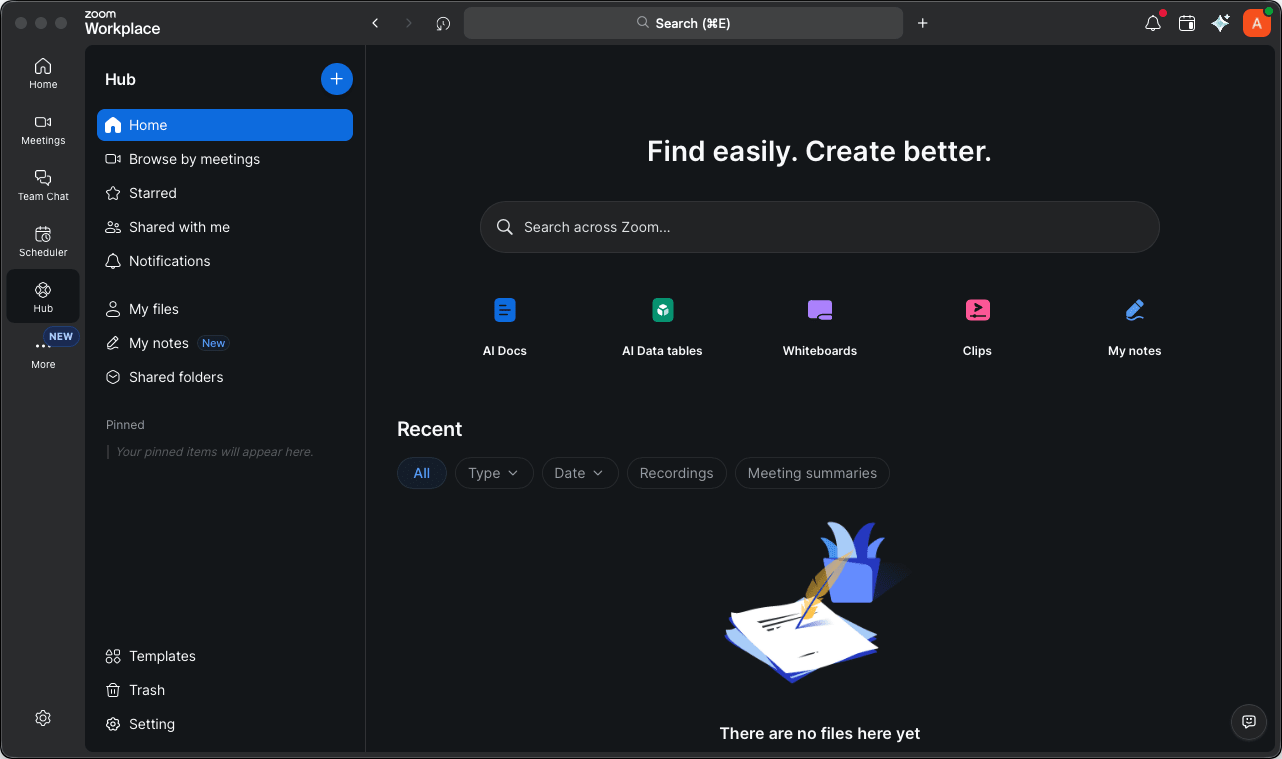
Zoom Workplace on Mac brings a clean and straightforward interface that means business. It is built on the idea of keeping communication centralized and easy. It gives users the functionality to move easily between various meetings, join new meetings, share files, and collaborate further. What started as an app for basic meetings has transformed into a more complete workplace platform that now includes features for teamwork and productivity.Video meetings and communication tools
Zoom’s primary strength and its first unique selling proposition are its video conferencing capabilities. While many other apps also handled video meetings, Zoom just did it better, more efficiently, and more smoothly than the others. Even on unstable internet connections, the app managed to hold its own and sustain the quality enough to bring people together for discussions, presentations, and online classes.
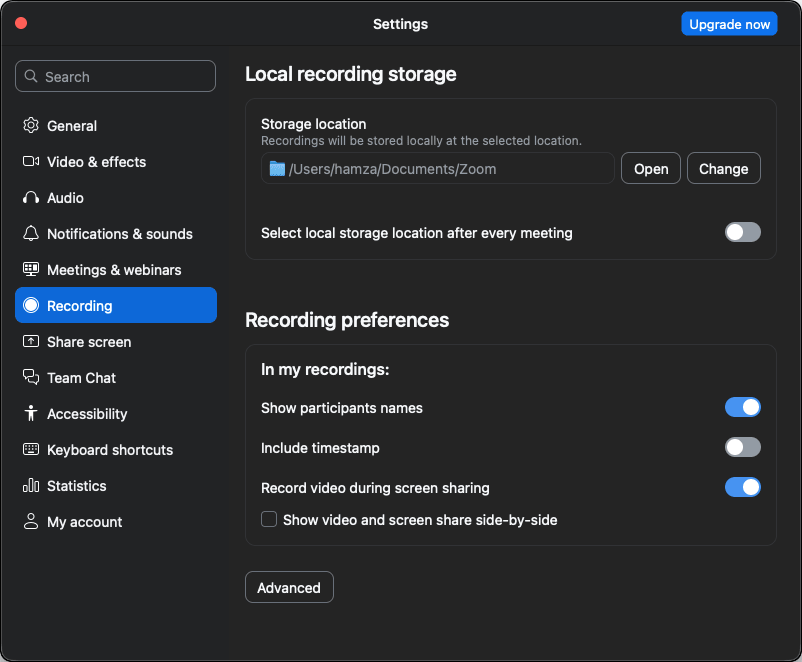
When the COVID-19 pandemic forced schools, educational institutions, and businesses online, it was vital to have a tool capable of handling unprecedented workloads. Zoom met this demand by providing essential features such as video conferencing, screen sharing, meeting recording, breakout rooms, virtual backgrounds, and so much more.Free and premium plans
Zoom Workplace on Mac comes with a basic plan that is free and allows up to 100 participants in group calls. However, it is important to note that all meetings hosted by a basic user - including 1-on-1 calls - are strictly limited to 40 minutes.
If you need to upgrade to a premium plan, there are multiple tiers available, most notably Pro, Business, Business Plus, and Enterprise. The prices depend on regions and any ongoing discounts/promotions.Collaboration and productivity features
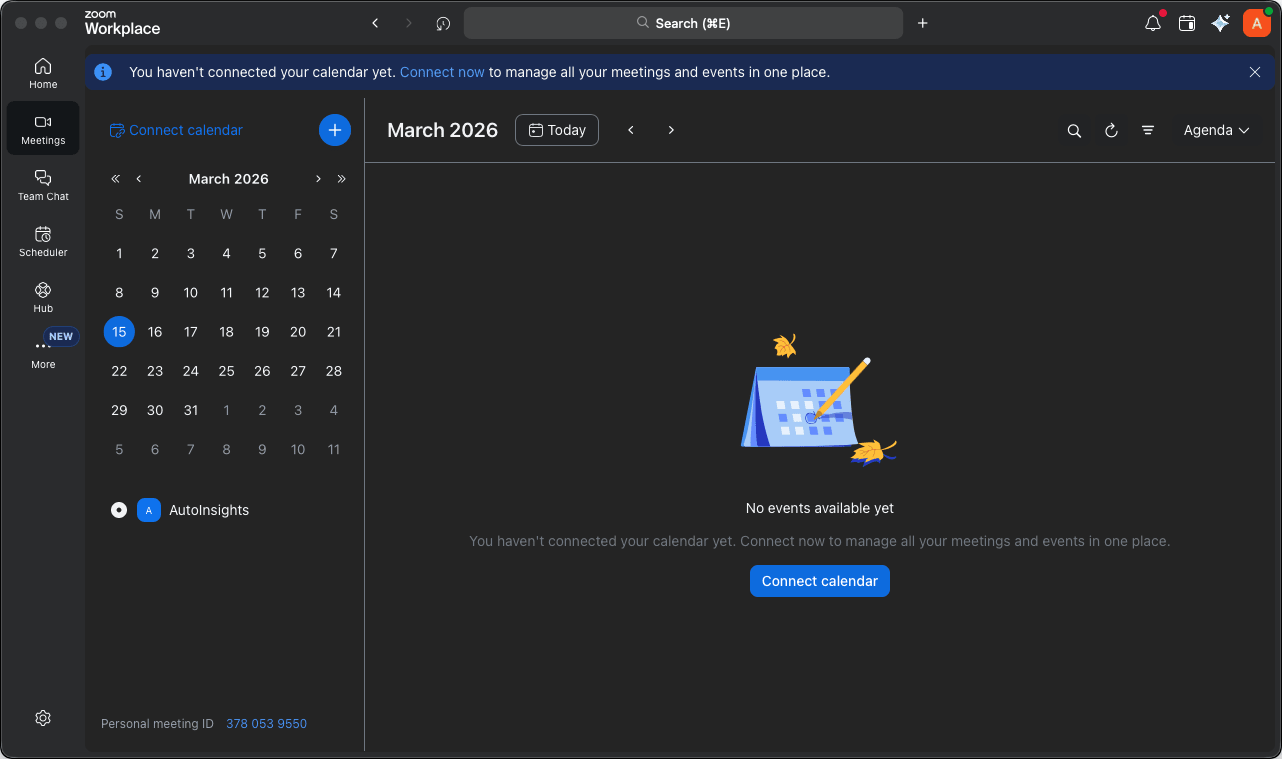
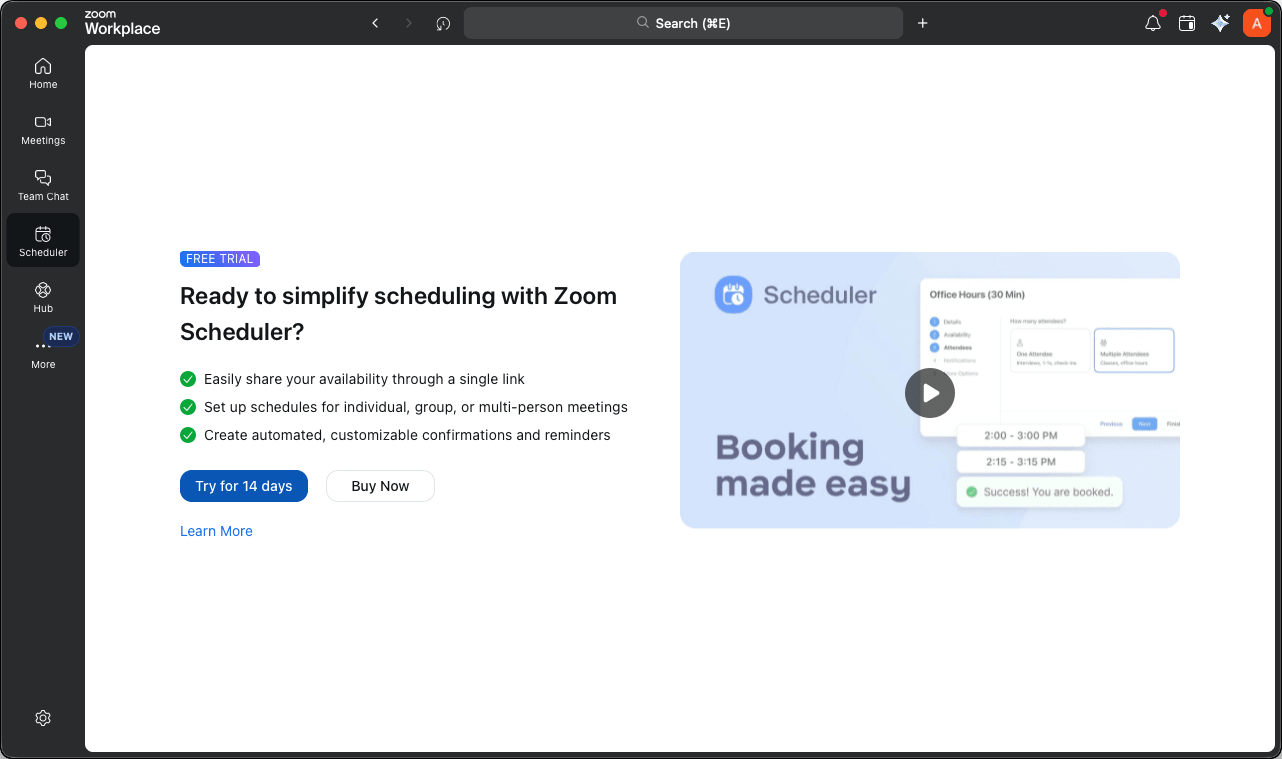
Zoom Workplace provides quite a few productivity features to support collaboration across remote teams. Options like scheduling meetings through shared and integrated calendars are available alongside the option to share files during calls. Recent updates have also deeply integrated the Zoom AI Companion, which can automatically summarize meetings, draft chat responses, and organize ideas (available for paid accounts). You can further easily present your content during meetings.A dependable platform for remote meetings and teamwork
Zoom Workplace for Mac is a reliable, easy-to-use, and worthy solution for video conferencing as well as remote collaboration across teams around the globe. While the free plan may not be enough for you or your organization, it still provides a great way to check if it is worth it for you or not.